# Keep it clean
PYS is a very powerful tool that lets you manage a lot of different elements. In practice, one element is often designed specifically for one single scene. As you can easily sort and filter elements by their names, we recommend that you name your elements with prefixes to identify them and connect them to a scene. Categories are also very useful to organize your elements.
User zero of PYS chose a numbering system. 01_Scene would be composed of 01_Elements. Therefore, by typing “01” in the “Add element” field in the scene page, PYS would display only the “01” elements.
This does not really apply to Config Elements, that don’t really need sorting.
This is also practical as scenes are sorted alphabetically in the scenes list.
# Duplicate
If your scene is composed of several identical Templace Instances, like a ranking of 10 teams, duplicate! Create the first Template Placer with the right settings, then duplicate it 9 times, rename the 9 new elements and place them in the scene!
(#ProTip: you can duplicate in many occurences at once by pressing the Shift key when clicking on duplicate)
If you need several similar but not identical versions of the same scene, such as a Europe Ranking and a North America ranking, just use the duplication tool available when you create a new scene!
# Scene examples
# A Rocket League score overlay
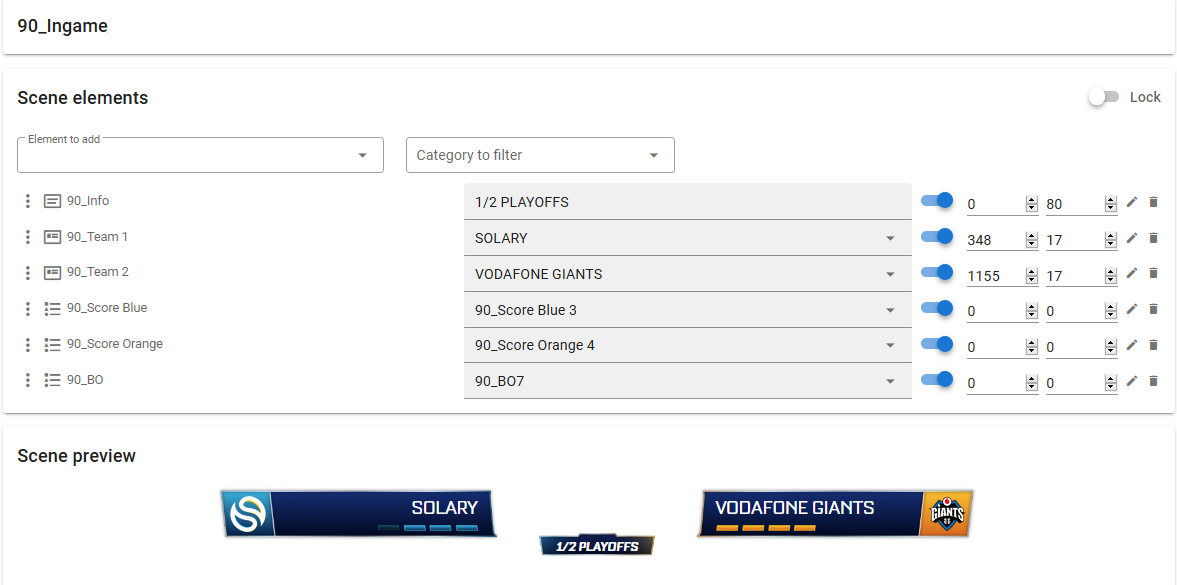
This scene is used to display the current score of a Rocket League series. The empty space in the middle is dedicated to the original Rocket League HUD that displays the current game score and timer.
The title is a text element that is edited manually, showing information about the stage of the series.
Two Template Placers display the team names and their logos. Each team is a Template Instance, created from a Template that binds one picture element to one text element.
Scores are displayed with blue and orange leds. Each score for each side is a .png file. You select the right one with the “81_score” pickers.
The background is displayed with a Picker that lets you choose between three different versions: one for Bo3 matches, one for Bo5 matches, one for Bo7 matches.
# A bracket
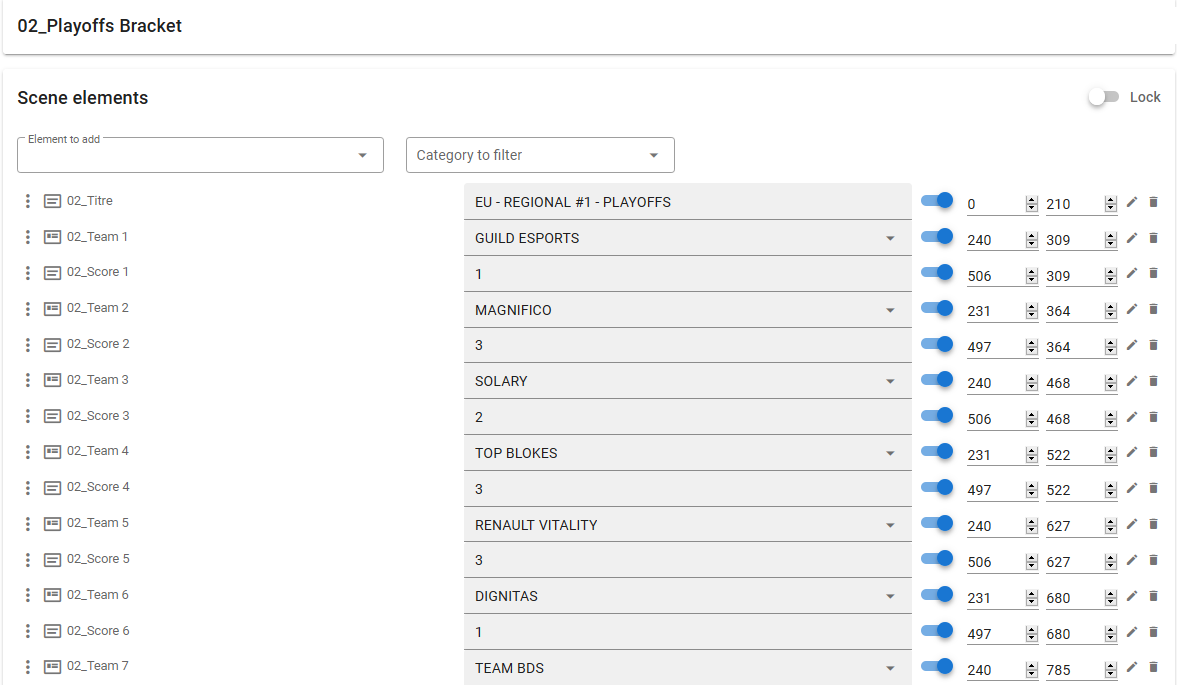
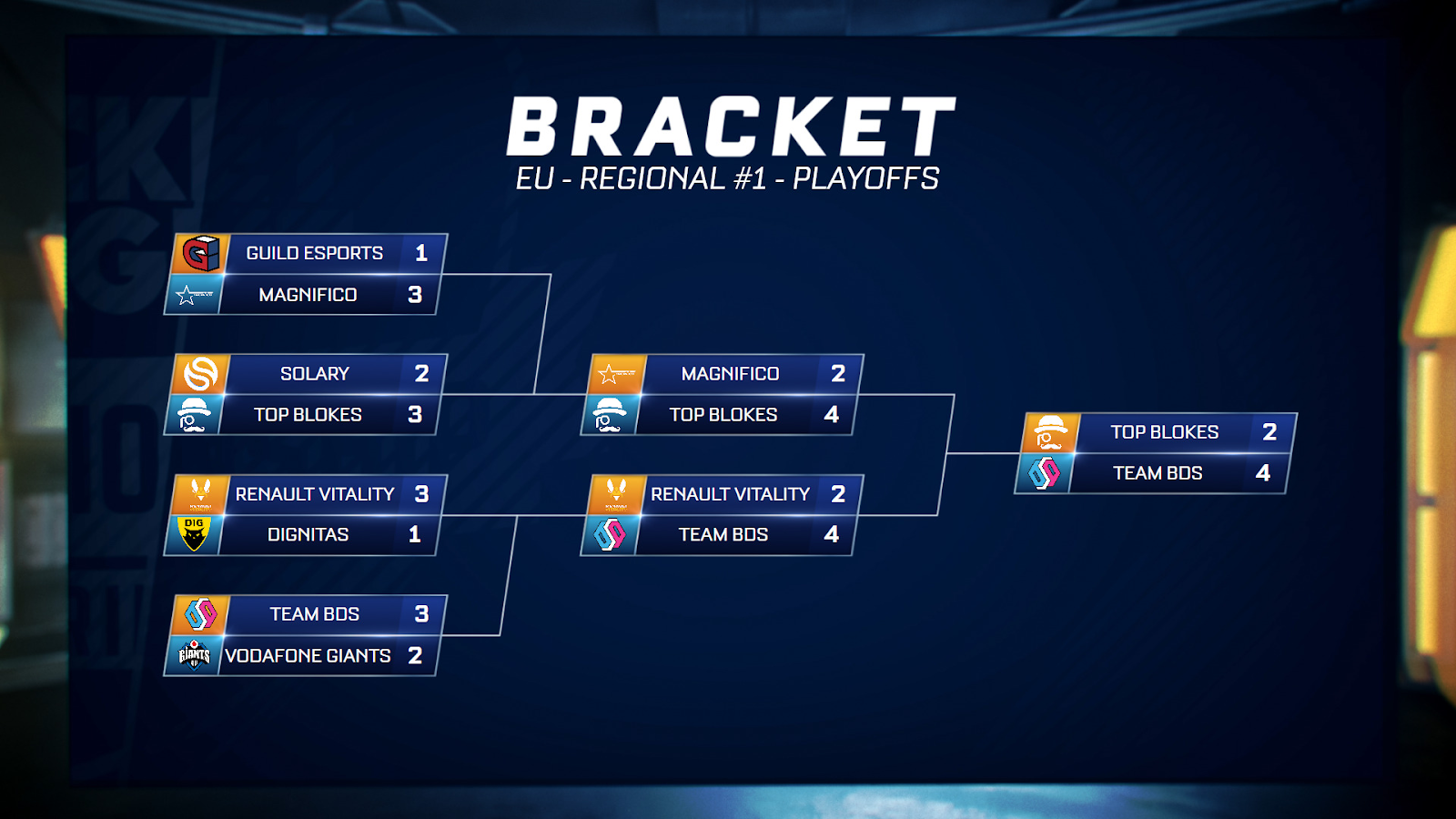
Brackets are busy scenes, with a lot of teams in there, depending on how many your graphic designer was able to fit in a single screen. A basic bracket with ¼, ½ and finals require 14 teams and 14 scores.
Here below:
- The title is a simple
Text element. - Each team element is a
Template Placerthat displays the team name and its logo. Each team is aTemplate Instance, created from aTemplatethat binds one picture element to one text element. - Each score is a simple
Text elementplaced with care.
# Standings
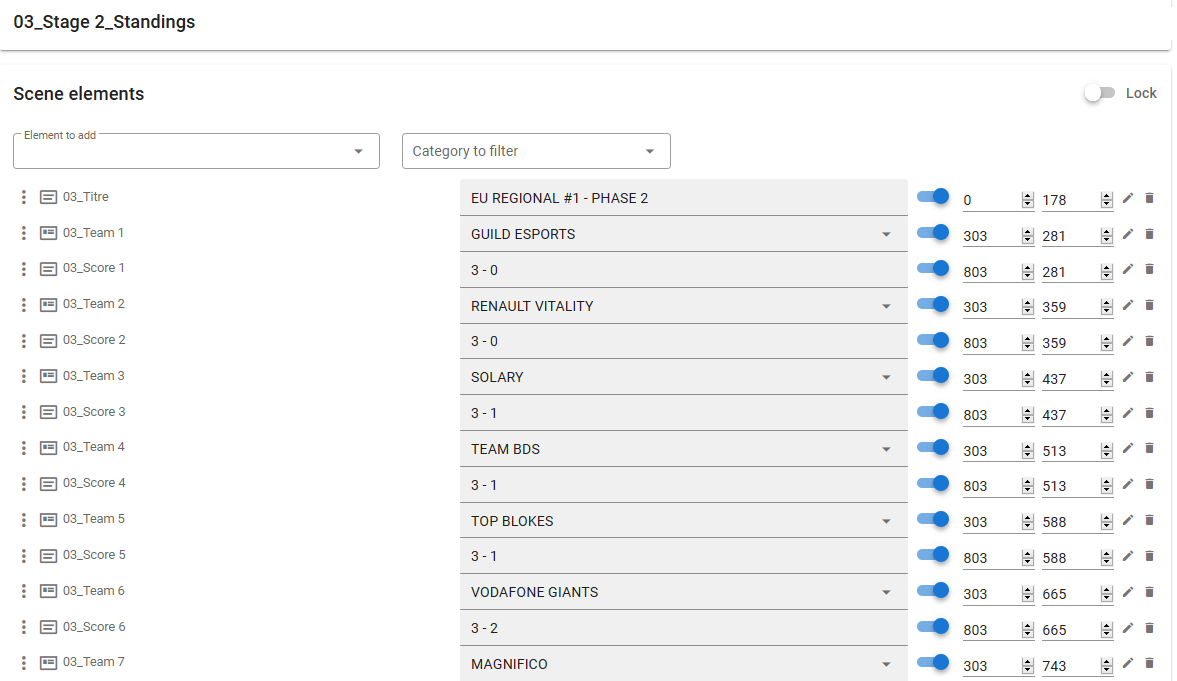
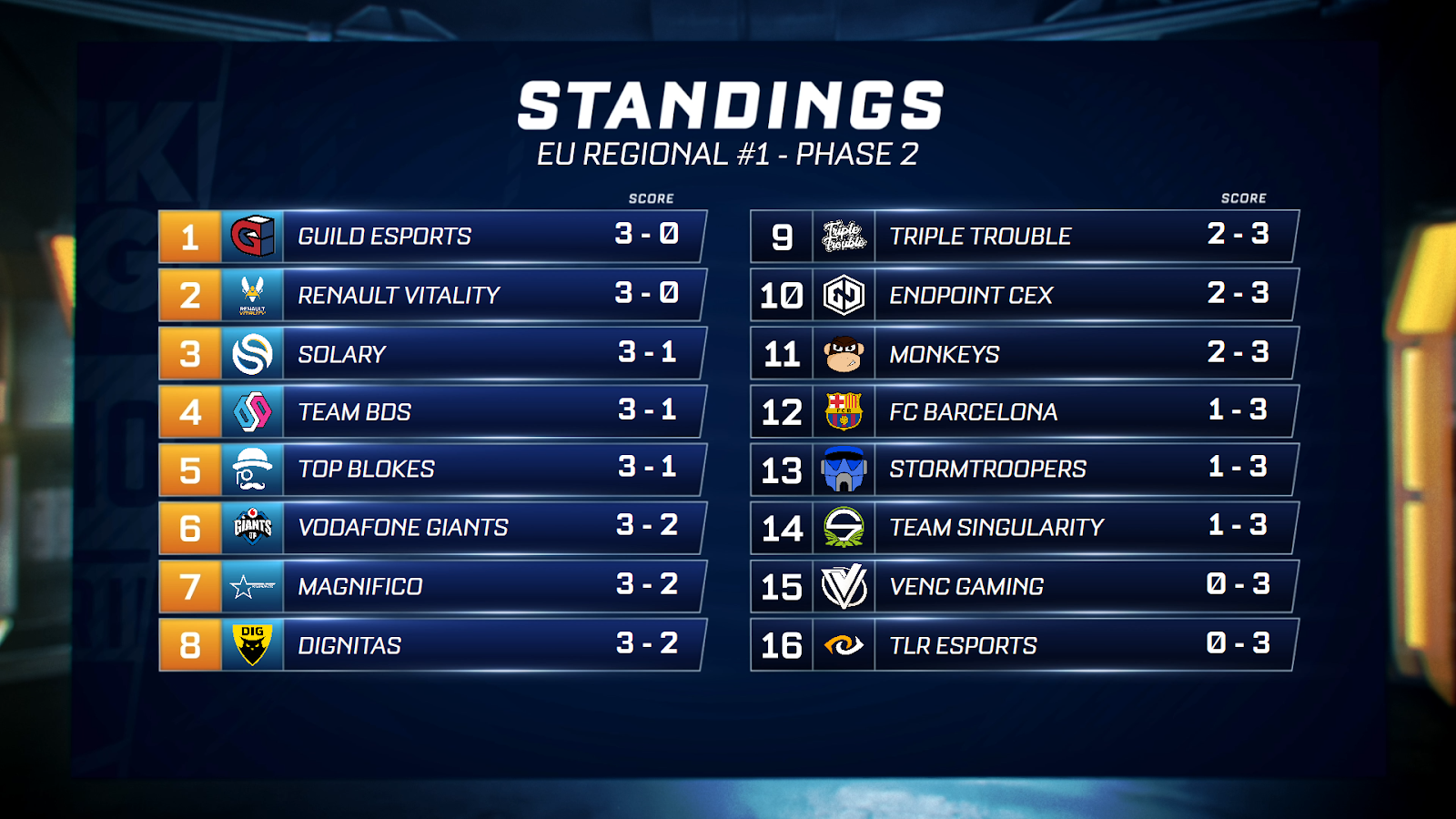
This one works on the exact same principle as the bracket. For each team, we show a score. On the assets below, there are 16 teams, so 16 Template Placers to display the teams and 16 Text elements to show their score.
← Scenes